 Synthera Docs
Copy your Exodus license key.
In the loader, press the Right Mouse Button to paste the copied license key.
Press
Enter.The loader includes built-in Cleaner and Spoofer options and may ask whether you want to use them on each launch.
If you are using the built-in spoofer, launch EGS or Ubisoft Connect first, as applicable, and only spoof afterward.
Continue the loader process.
Wait until the CMD window closes.
Launch Fortnite.
Wait for the Exodus menu to appear in the game main menu. Initialization can take up to three minutes.
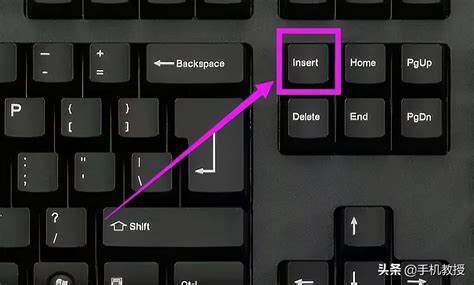
Press
Insertto open or close the menu.
Important
Do not close the loader while the product is still downloading or loading. Do not test the product in the Shooting Range.