Synthera Docs
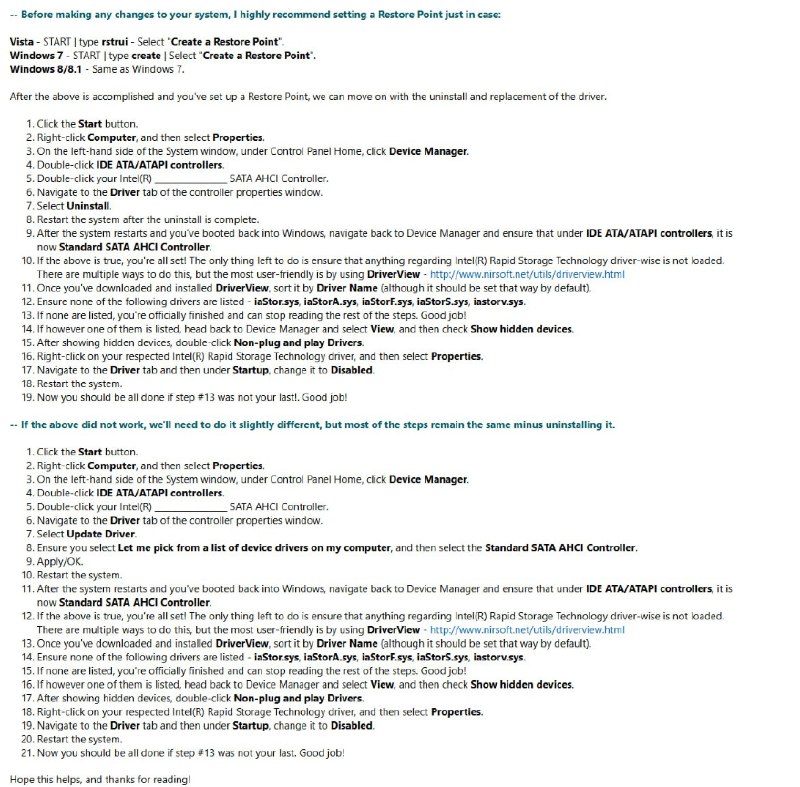
Follow the RAID/IRST to AHCI guide to disable RAID/Intel Rapid Storage Technology.
If RAID/IRST is already disabled:
Locate remaining drivers or services whose names begin with
iaStorusing DriverView or ProcessHacker.Disable the relevant remaining IRST drivers or services.
Refer to the Microsoft support information about Intel Rapid Storage Technology if additional information is required.
If an Intel SATA AHCI controller remains active, open Device Manager → IDE ATA/ATAPI controllers.
Update the Intel SATA AHCI Controller driver.
Select Browse my computer for drivers → Let me pick from a list of available drivers on my computer.
Select Standard SATA AHCI Controller.
Restart the PC and verify that the Standard SATA AHCI Controller is active.
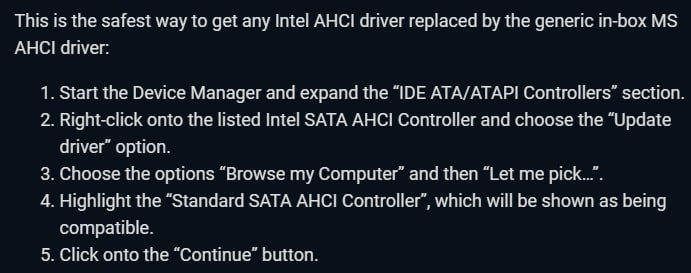
If did not help, please follow instructions on image below: