 Synthera Docs
Disable any virtual disk.
Disable RAID in BIOS.
Disable Intel Rapid Storage Technology (RST), if available.
If the issue remains, find drivers/services beginning with
iaStorusing DriverView or ProcessHacker and disable the service.If none of these steps resolve the problem, try reinstalling Windows.
Advanced Fix
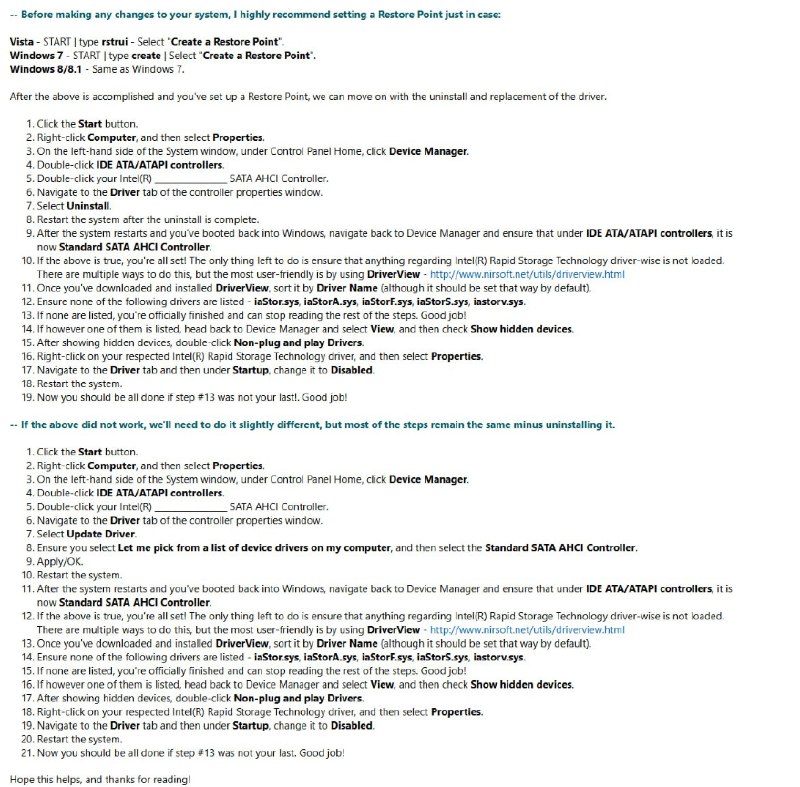
Use this RAID/IRST guide to disable RAID/IRST as safely as possible if Windows was installed using RAID/IRST.
If IRST/RAID is already disabled, locate drivers/services beginning with iaStor.
Warning
Changing RAID/AHCI configuration can prevent Windows from booting if performed incorrectly. Follow the migration procedure when Windows was installed using RAID/IRST.