Synthera Docs
Open the product/game selection in the loader.
Select the product you purchased.
Click Inject and follow the injection process.
Open Meccha Chameleon when required.
Wait until you reach the main menu or lobby.
Make sure Meccha Chameleon is running in Borderless mode.
Wait for the product to load.
Press
F2in the main menu.Press
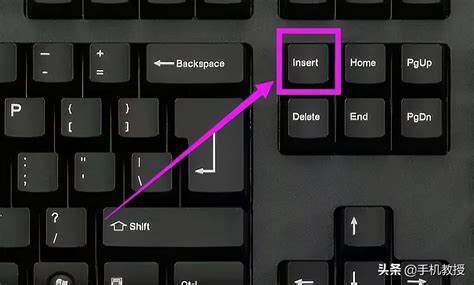
Insertto open or close the menu.