Synthera Docs
Launch Apex Legends after the loader closes.
Make sure the game is using Borderless Fullscreen.
Wait for Ancient to initialize.
Allow up to approximately two minutes after the game loads.
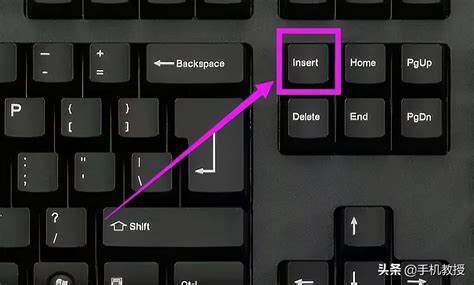
Press
Insertto open or close the Ancient menu.
If your keyboard does not have an Insert key, see Remap a Key to Insert.